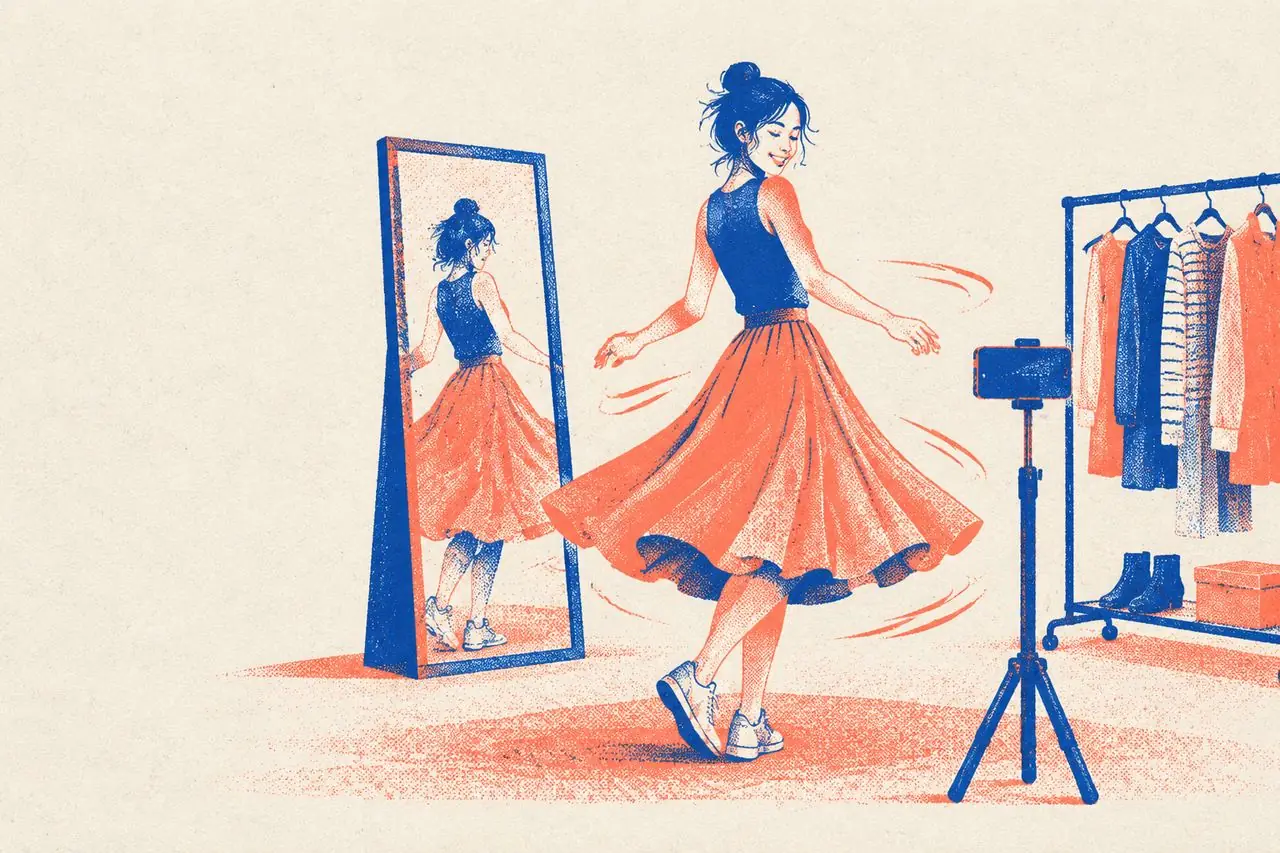
How to Shoot Outfit Videos (OOTD): 6 Content Structures, 10 Poses That Show Fit in Motion, and Seamless Outfit Transitions
Filming an outfit video looks effortless on the surface: put on a nice outfit, stand in front of a mirror, and hit record. Yet most OOTD clips fall into the exact same trap—all "pretty," zero "information." Viewers watch for two seconds, think "Nice outfit," and swipe away because they have no idea whether the cut flatters their own body type, how to style it, or what the fabric actually feels like. A great outfit video answers three questions in the viewer's head: Where would I wear this? Will it flatter my body shape? Can I easily recreate this look myself?
1. 6 Proven Outfit Video Structures
1. Occasion Styling: One Specific Scenario, One Complete Look
"What to wear for a Monday morning commute," "Meeting the parents for the first time," "Packing for a beach weekend."
- Structure: Occasion hook (0–2s) → Full head-to-toe reveal (2–6s) → Piece-by-piece breakdown (6–15s) → Real-world walk-out or wrap-up (15–20s).
- Why it works: The occasion in your title matches what people actually type into the search bar. The more specific the scenario, the easier it is for the right viewers to find you.
2. One Piece, Multiple Ways: Styling a Single Staple
"5 ways to style one crisp white button-down."
- Structure: Close-up of the hero piece (0–2s) → 3–4 seconds per look cutting briskly → Slow down on the final, most unexpected outfit.
- Why it works: Viewers feel like buying one item unlocks five whole outfits, which drives sky-high conversion for e-commerce.
- Key rule: Make each look genuinely different in vibe (office / date night / weekend casual / sporty). If all five looks feel interchangeable, viewers tune out by Look 3.
3. Body-Type Solutions: Solving One Specific Fit Headache
"How to dress a pear-shaped body in summer," "How petites can wear maxi skirts without looking swamped."
- Structure: Name the fit frustration (0–3s) → Unflattering "Don't" example (3–6s) → Flattering "Do" example (6–15s) → Quick explanation of why the cut works (15–20s).
- Why it works: The pain-point hook is magnetic. Viewers with that exact body shape bookmark these videos immediately.
- Key rule: Shoot the "Don't" and "Do" side-by-side on the exact same person, from the exact same camera height and lighting. Changing the camera angle to fake longer legs in the "after" shot ruins your credibility.
4. The Upgrade / Before & After: From Sloppy to Pulled-Together
"Three small tweaks that take a basic tee-and-jeans from frumpy to polished."
- Structure: Unstyled starting outfit (0–2s) → Step-by-step adjustments—tucking the hem, cuffing sleeves, adding a belt and bag (2–15s) → Final full-body walk (15–20s).
- Key rule: Keep the "before" look realistic. Don't intentionally mess up your hair or slouch like a cartoon—viewers appreciate honest styling tweaks, not exaggerated acting.
5. A Week of Outfits: 7 Days, 7 Looks
"What I wore to the office Monday through Friday."
- Structure: 2–3 seconds per day with a clean day-of-the-week text label, cutting on the beat.
- Why it works: High information density drives saves and bookmarks, and it's an easy recurring weekly series to maintain.
6. Single-Item Deep Dive: Why One Piece Earned a Permanent Spot
"I liked these trousers so much I bought them in three colors."
- Structure: Hook (0–3s) → On-body motion (3–8s) → Fabric & stitching close-ups (8–15s) → Two quick styling pairings (15–20s) → Height, weight, and sizing advice (20–25s).
- Key rule: Since this is a pure product-recommendation format, show every selling point visually on camera rather than just reciting adjectives.
2. 10 Dynamic Poses That Show Fit and Fabric in Motion
Standing stiffly in front of the lens only shows what a garment looks like on a hanger. Moving around is the only way to prove how it drapes, stretches, and feels. Pick 3–4 of these 1–2 second movements based on what you're wearing:
| Movement | What It Proves to the Viewer | Best For |
|---|---|---|
| 1. Walking straight toward the camera | Overall proportions, inseam length, how the fabric flows in motion | Trousers, maxi skirts, trench coats |
| 2. A full 360° turn in place | Back tailoring, how the skirt flares | Dresses, A-line skirts, tailored coats |
| 3. Sitting down and standing back up | Whether the waistband digs in or the thighs pull tight | Jeans, tailored pants, pencil skirts, jumpsuits |
| 4. Reaching both arms overhead | Whether the hem rides up or the armholes pinch | Tops, button-downs, jackets |
| 5. Bending or squatting down | Stretch recovery, whether necklines or hems gap | Leggings, mini skirts, fitted tops |
| 6. Scrunching a handful of fabric and letting go | Fabric weight and wrinkle resistance | Linen/cotton shirts, blazers, knitwear |
| 7. Slipping hands into the pockets | Pocket depth, whether pockets flare out at the hips | Trousers, cargo pants, coats |
| 8. Zipping / buttoning / tying the belt | Hardware smoothness, how cinching changes the waist | Jackets, cardigans, belted coats |
| 9. Turning 90 degrees to show your profile | Side silhouette, tummy flatness, high-waist proportion | Fitted knits, high-waisted pants, slip dresses |
| 10. Close-up tracking shot while walking | Fabric sheen under light, natural drape | Silk, satin, fine knits, down jackets |
A simple trust-builder: Mention your exact stats on screen or in voiceover ("I'm 165 cm, 52 kg, wearing a size M") while moving so viewers can immediately calibrate the fit to their own body.
3. Camera Height, Lighting, and Background
Camera Height
- Full-body shots: Set your tripod around waist height and tilt the phone slightly upward so your body fills roughly two-thirds of the vertical frame. Putting the camera at eye level looking down makes everyone's legs look shorter.
- Mirror selfies: Hold the phone right around chin or collarbone height; keep the mirror spotless and avoid cheap warped mirrors that distort proportions.
- Detail shots: Bring the lens 20–30 cm from the garment to capture fabric weave, collar stitching, buttons, and lining.
Lighting
- Daytime window light is unbeatable—it renders fabric colors accurately without weird color casts. Face the window or stand at a slight angle to it; never shoot with an uncurtained window directly behind you.
- Nighttime indoor shoots: Use a diffused key light placed at a 45-degree angle in front of you.
- Avoid mixed color temperatures: Turning on a warm yellow ceiling bulb alongside a cool blue desk lamp makes white shirts look muddy and throws off the true color of the clothes.
Background
- Keep it clean, uncluttered, and contrasting in tone with your outfit.
- Wear light colors against a darker wall or curtain, and dark outfits against a light wall so the silhouette pops.
- A touch of lived-in warmth (a neat clothing rack, a plant, a clean rug) works great—just clear away laundry piles and visual clutter.
4. Seamless Outfit Transitions: Making the "Quick Change" Smooth
Crisp outfit transitions keep viewers watching through multiple looks. Six reliable transitions from easiest to intermediate:
| Transition | How to Shoot It | Difficulty |
|---|---|---|
| Hand / Garment Wipe | Cover the lens completely with your hand or the next piece of clothing, then pull it away wearing the new outfit | Easy |
| Jump Cut | Jump in place in Outfit A, jump in the exact same spot in Outfit B, and cut at the highest point in mid-air | Easy |
| Spin Transition | Spin around in Outfit A and cut to the second half of the spin in Outfit B right at the fastest motion blur | Easy |
| Clothes Toss | Toss the folded garment toward the camera lens, and cut on impact to you already wearing it | Medium |
| Walk-Through | Walk out of frame to the left, then walk back in from the left wearing the next look | Medium |
| Beat-Sync Snap | Hold the exact same pose in the exact same spot and hard-cut between outfits on every heavy drum beat | Medium |
Three rules that make transitions look seamless:
- Lock your camera position, floor mark, and body posture between takes. Put your phone on a sturdy tripod and stick two small pieces of tape on the floor where your feet go so you stand in the exact same spot after changing.
- Cut on the fastest, most motion-blurred frame of the movement so the eye can't catch the seam.
- Line the cut up with a downbeat in the BGM for extra punch.
5. Selling Clothing Without Sounding Like a Hard Pitch
If your outfit video links to a product basket, answer these five practical buyer questions up front:
1. How does the sizing run? Share your height, weight, usual size, and the size you're wearing—plus whether it runs true to size, small, or oversized. 2. What does the fabric actually feel like? Don't just read the tag ("100% cotton"). Scrunch it, stretch it, or hold it to the light on camera. 3. Who should (and shouldn't) buy it? Be honest about which body types it flatters—and mention who might want to skip it ("Great for sloped shoulders because of the subtle pads, but if you have a shorter neck, this high mock collar might feel tight"). 4. What goes with it? Show it paired with everyday basics people already own (a white tee, blue jeans, white sneakers) so they don't feel like they need a whole new wardrobe just to wear it once. 5. How fussy is the care? Does it pill, shrink in the dryer, or need steaming after every wash? Answering this honestly cuts down buyer hesitation—and lowers your return rate.
6. Captions and On-Screen Text
- Make the opening headline specific: "Summer skirts that hide hip dips on a pear shape" stops the right viewer ten times faster than "Today's OOTD."
- Label each piece as it appears: Drop a clean text tag next to each item ("Oatmeal cable-knit cardigan").
- Pin your stats in a corner: Keeping a small "165 cm / 52 kg / Size M" tag in the top corner helps viewers who scroll in mid-video.
- Trade hype adjectives for concrete measurements: "Literally obsessed, total main-character vibes" tells a shopper nothing; "Raises the waistline by 2 inches and covers the widest part of the hip" actually sells the piece.
7. Pre-Shoot Checklist
1. Does the video clearly answer where to wear it, what body shape it suits, and how to style it? 2. Did you include at least 2 dynamic movements (walking, sitting, reaching)? 3. Did you state your height, weight, and the size you're wearing? 4. Is the lighting clean so the garment color matches real life? 5. For transition cuts, did you mark the floor and lock the tripod so your position matches? 6. Are before-and-after comparisons shot from the exact same angle and lighting? 7. Did you label individual pieces clearly in the on-screen text?
FAQ
Q: Can I make outfit videos without showing my face? Easily. Many top fashion creators never show their full face—mirror selfies with the phone framing from the chin down, tripod shots cropped below the jawline, or wearing a baseball cap and sunglasses all work great. Viewers are there to see the clothes and proportions.
Q: How do I keep posting consistently if I don't have a huge closet? "One Piece, 5 Ways" and "Same Outfit Styled for 3 Occasions" let you get dozens of videos out of a small capsule wardrobe. You can also shoot closet clean-outs, budget dupes, and styling challenges that don't require buying new clothes every week.
Q: Should I shoot outfit videos vertically or horizontally? Stick to 9:16 vertical for Douyin, Xiaohongshu, TikTok, Reels, and Shorts. A standing human body naturally fits a vertical frame head-to-toe, and vertical video fills the entire phone screen in the feed.
Want to study the moves, transitions and beat-synced rhythm of a viral outfit video? Run it through VideoLens to see, shot by shot, what each frame shows and exactly when each outfit change happens.