영상을 AI 프롬프트로 역추출하는 방법: 2026 완벽 가이드 + 무료 온라인 도구
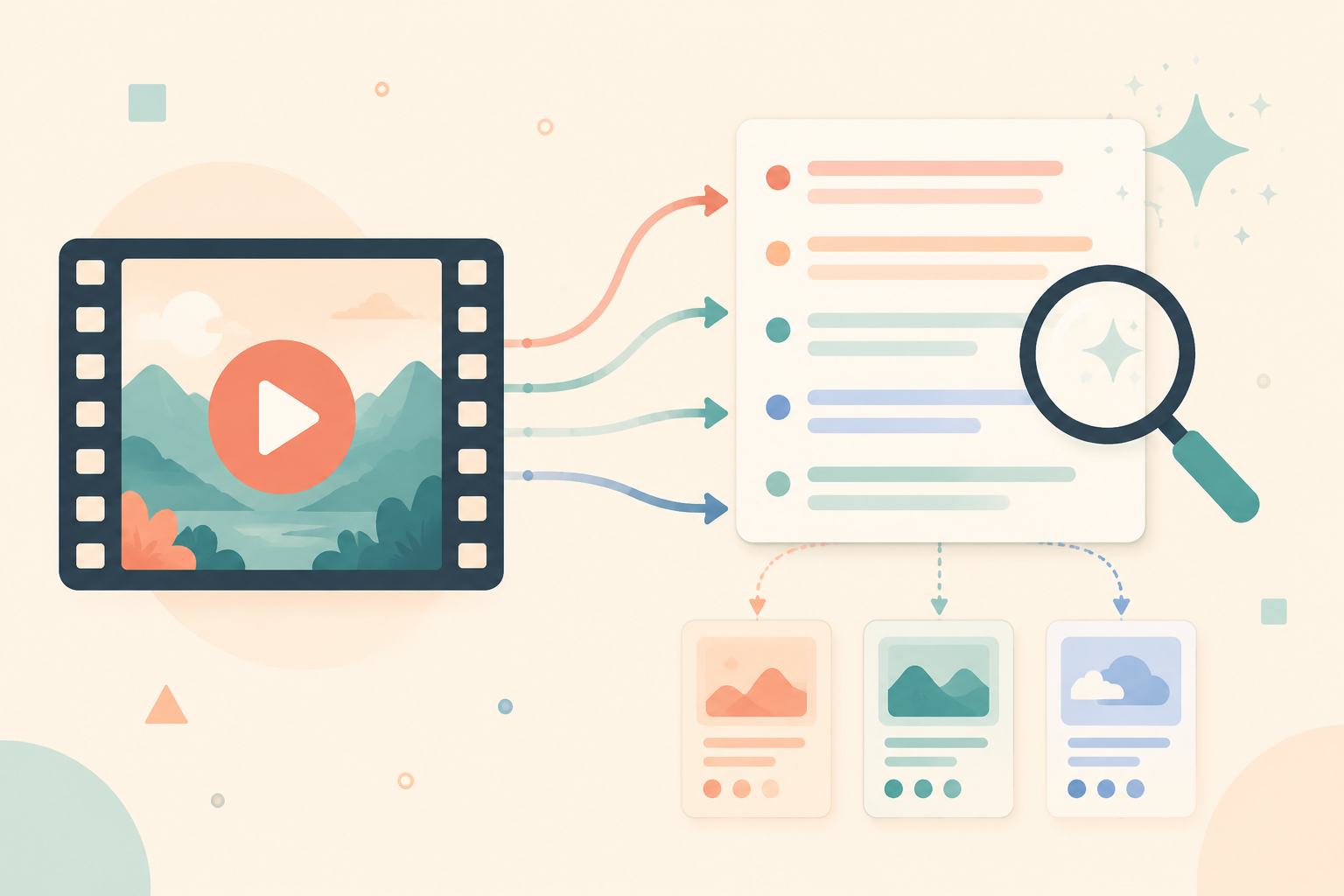
바이럴 영상을 보고 "이건 대체 어떤 프롬프트로 만든 거지?" 궁금해진다면 — 바로 그것이 영상 프롬프트 역추출이 해결하는 일입니다. 완성된 영상을 그 배경에 있는 일련의 AI 프롬프트로 거꾸로 분해합니다. 이 글에서는 그것이 무엇이고, 어떻게 하며, 무엇을 얻고, 도구를 어떻게 고르는지 설명합니다.
I. "영상 프롬프트 역추출"이란
이는 반대 방향의 작업입니다. 텍스트로 영상을 생성하는 대신, 완성된 영상을 가져와 그 배경에 있는 AI 프롬프트와 샷 구조를 역으로 도출합니다. "영상 프롬프트 역추출", "영상에서 프롬프트", "영상에서 프롬프트 추출"은 모두 같은 것을 가리키며, "영상 프롬프트 변환"과 같은 방향입니다.
II. 왜 영상을 역추출하는가
· 히트작 분석: 표면만이 아니라 영상의 샷 언어, 리듬, 시청 유지 후크를 이해하기; · 스타일 복제: 남의 카메라 워크, 조명, 색보정을 재사용 가능한 프롬프트로 바꾸기; · 백지 탈출: 샷 리스트, 대사, 캐릭터 설정을 한 번에 확보하기; · Seedance 2.0: 같은 구조를 바로 생성 가능한 Seedance 2.0 프롬프트로 내보내기.
III. 두 가지 방법: 수동 vs 도구
| 항목 | 수동 | 도구 사용 (VideoLens) |
|---|---|---|
| 소요 시간 | 한 편을 샷마다 보고 되감기, 30분 이상 | 링크 붙여넣기, 몇 분 만에 결과 |
| 대사/자막 | 귀로 받아쓰기, 누락·오류 잦음 | 자동 자막, 타임코드 포함 |
| 샷 분석 | 경험으로 샷 사이즈/카메라 워크 추정 | 샷별 사이즈+카메라 워크+후크 분석 |
| 프롬프트 내보내기 | 하나하나 손으로 수정 | Seedance 2.0 원클릭 내보내기 |
| 진입 장벽 | 영상 언어 지식 필요 | 진입 장벽 없음, 결과 바로 사용 |
IV. VideoLens로 영상 역추출하기 (3단계)
① 더우인/샤오훙수 공유 링크를 붙여넣거나 영상 파일을 직접 업로드; ② 자동 분석을 기다리기(인물·장면·소품 인식, 대사 전사, 샷별 분석); ③ 원하는 결과 복사 — 샷 단위, 작업 단위, 또는 전체 프롬프트 한 번에.
V. 무엇을 얻는가
| 모듈 | 내용 |
|---|---|
| 자막과 카피 | 타임코드가 있는 대사/내레이션, 대본이나 자막에 바로 사용 |
| 심층 샷 분석 | 샷별 카메라 언어, 서사적 역할, 시청 유지 후크 |
| 인물·장면·소품 | 재사용 가능한 엔티티 + 이미지 생성용 참고 프롬프트 추출 |
| Seedance 프롬프트 | 바로 생성 가능한 Seedance 2.0 프롬프트 |
| 제작 대본 (프로덕션급 프롬프트) | 샷별로 화면/대사/효과음/길이로 분리된 바로 생성 가능한 대본 |
VI. 역추출 사이트 고르는 법
역추출 사이트를 고를 때 주로 다섯 가지를 봅니다: ① 업로드만이 아니라 더우인/샤오훙수 공유 링크를 직접 해석할 수 있는가; ② 대사 전사가 정확하고 타임코드가 있는가; ③ 샷이 분리되어 있는가(화면·대사·효과음이 따로, 뭉뚱그려지지 않게); ④ Seedance 2.0에 맞춘 바로 생성 가능한 프롬프트를 원클릭으로 내보낼 수 있는가; ⑤ 분석 보고서뿐 아니라 "바로 생성 가능한" 제작 대본이 있는가. VideoLens는 이 다섯 가지를 모두 커버하며 무료로 시작할 수 있습니다.
한마디로: 영상 프롬프트 역추출이란 "완성된 영상에서 프롬프트를 거꾸로 도출하는 것"입니다. 수동으로도 할 수 있지만 느리고 누락이 잦습니다. VideoLens 같은 도구는 붙여넣은 더우인/샤오훙수 링크를 자막, 심층 샷 분석, Seedance 2.0 프롬프트, 그리고 바로 생성 가능한 대본으로 원클릭에 바꿔줍니다.